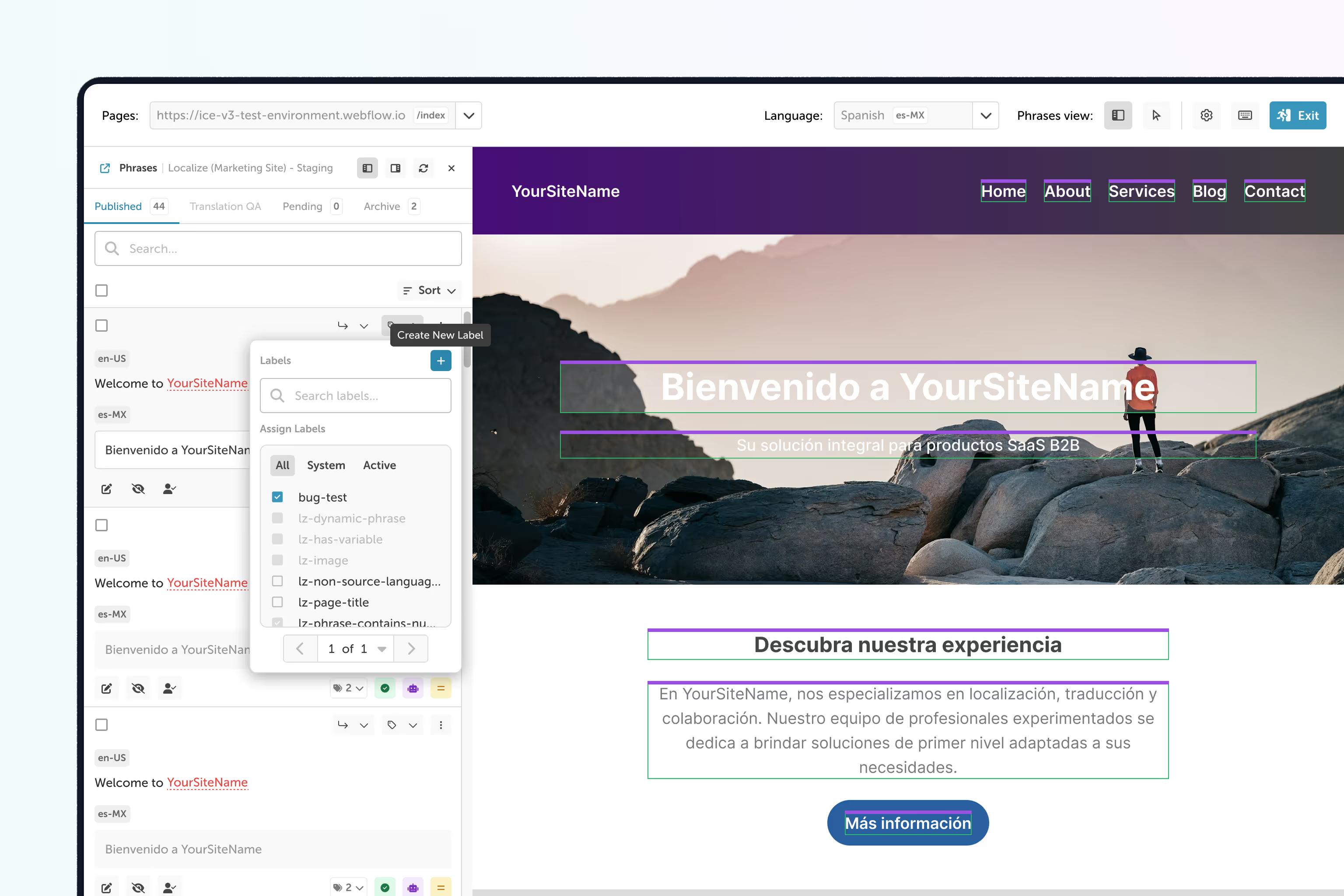
Introducing the Newly Revamped on-page Editor:

The Next Generation of On-Page Editing

Tired of juggling tabs and endless back-and-forths to ensure your translations look and feel just right? Say hello to the future of translation management!

Join the 40,000+ Users Who Trust Localize to Power Translations

See Translations in Real-Time

No more guessing games! Edit directly on your site and instantly visualize how your translations fit within the design and layout.
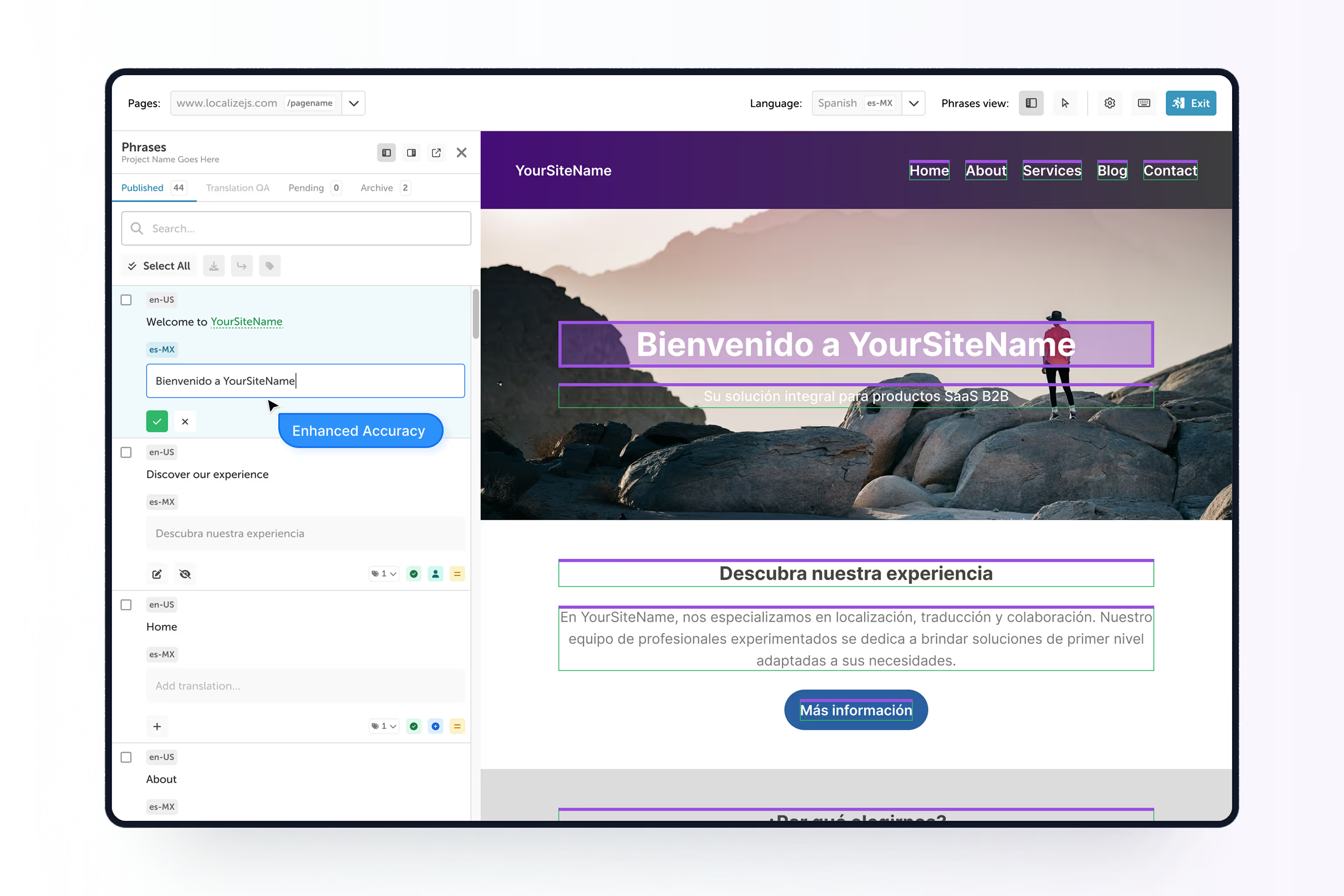
Enhanced Accuracy

Context is king! By seeing translations live, you can ensure they maintain the correct tone, style, and meaning.
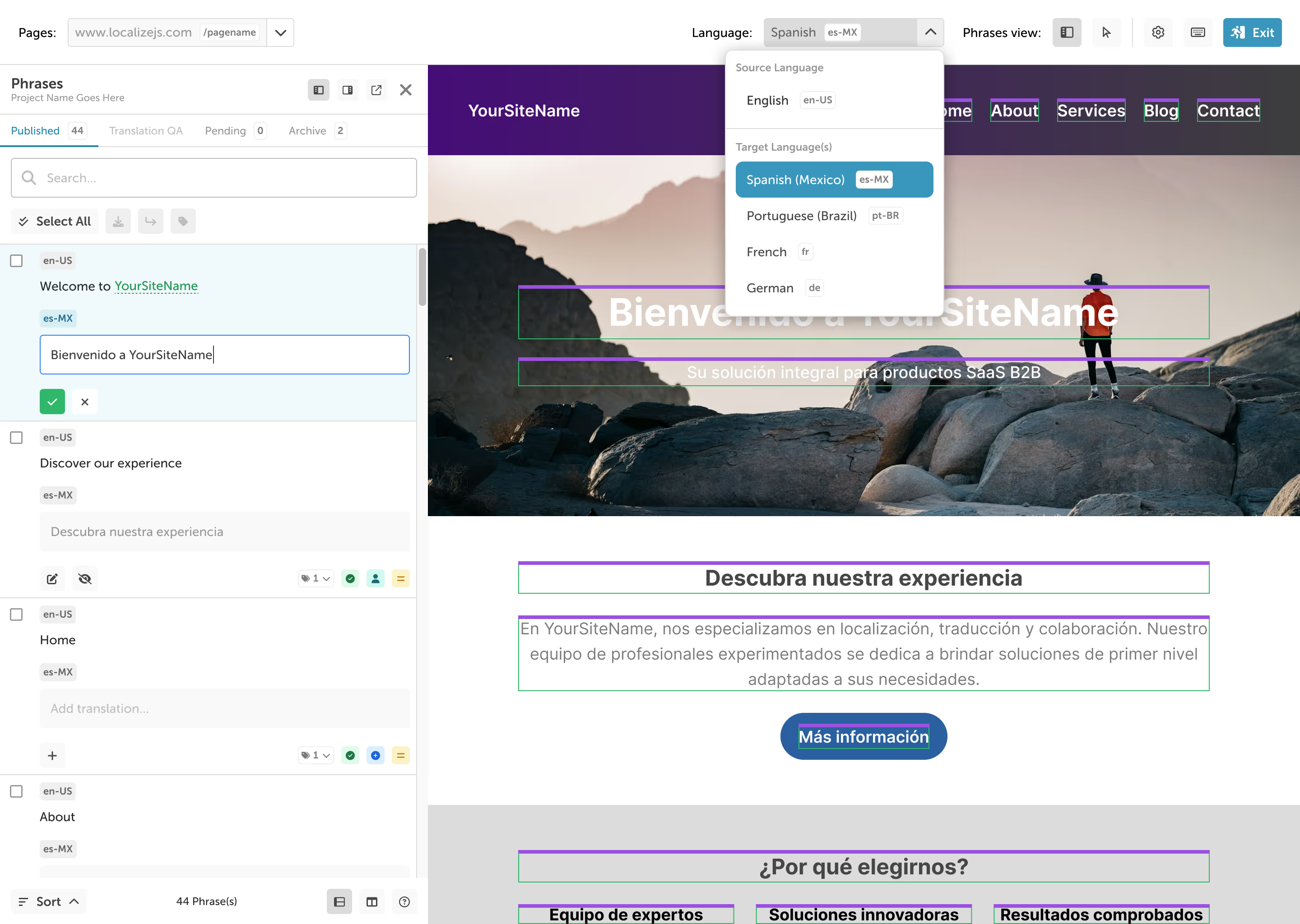
Dashboard

Boost Efficiency

Eliminate the need to switch between Localize and your website. Translate and refine content in a single, intuitive interface.

27%

Translate up to 27% faster

32%

Reduce review cycles by 32%

A Refreshed Experience

Our newly redesigned UI extends to the On-Page Editor, offering a clean, modern, and intuitive design.

Translate Your Way

We've packed the On-Page Editor with features designed for maximum flexibility

Multiple Viewing Options

Minimized View: Keep the editor unobtrusive while still having quick access. Popout View: Detach the editor for a dedicated translation window.

Side-by-Side Translation View

Compare your source and target texts directly within the in-context interface for enhanced clarity.

Keyboard Shortcuts

Power through your translations with efficient and time-saving keyboard shortcuts.

Revamped Side Panel

Access all necessary tools and information in our newly organized and user-friendly side panel.

Effortless Phrase Movement

Easily relocate phrases from one segment to another with a simple click—making content adjustments smoother and more intuitive than ever.

Introducing Labels

Organize and categorize your translations effectively with our new labels functionality.

Ready to translate your website and content faster?

Talk to an expert today to find out how you can translate your website in minutes, not months.