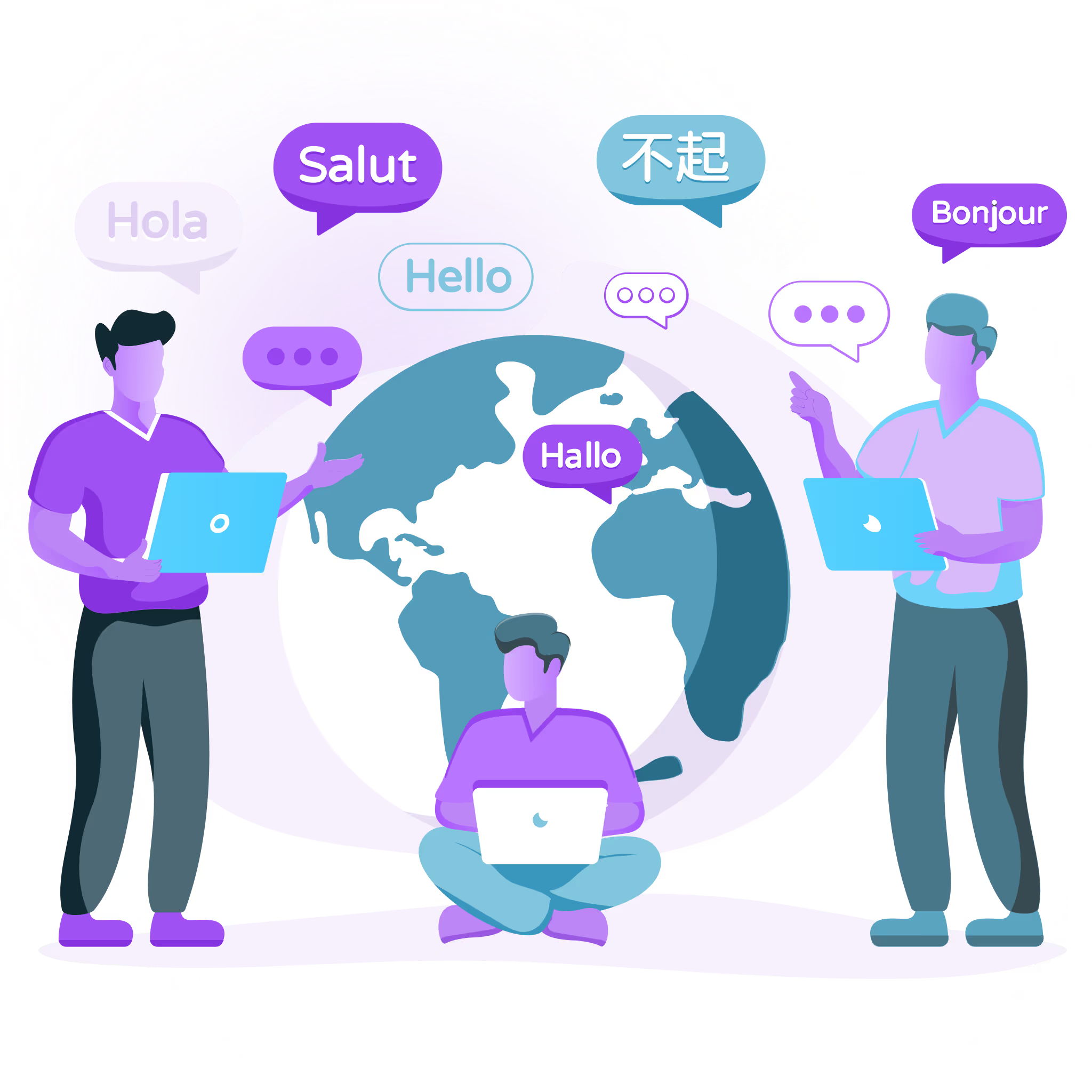
Fast Website Localization and Expertise That Scales Beyond Launch

Localize is a platform that helps teams launch multilingual sites fast, manage updates, and scale localization with expert guidance.
Talk to an expert
Start free trial
Try all features for 14 days

Trusted by global B2B SaaS companies powering multilingual websites, apps, help centers, and global customer experiences.

Localize gives teams the platform and guidance to manage localization with more clarity, control, and confidence as they scale.

Build a Smarter Path to Scalable Localization

As content changes and more teams get involved, localization can slow down fast. Localize combines platform technology and expert guidance to help you build a clearer process and a smarter localization strategy.

Strategic Guidance

Localization experts assess your current workflow, identify bottlenecks, and choose the right path for multilingual growth.

Operational Clarity

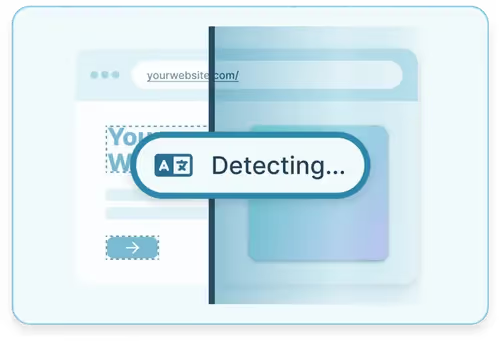
Automatically detect new and changed content, route it into translation and review workflows, and give teams visibility into what is ready to publish.

Long Term Partnership

From onboarding to optimization, Localize helps your team improve adoption, expand value, and scale with confidence.

Website Localization Gets More Complex as Your Business Grows

Expanding into new markets takes more than translating pages. Teams need a way to move faster, protect brand quality, and create customer experiences that feel local from the first visit.
Integrated AI feature UI graphic
Content Typically Changes 10X Faster Than Teams Can Manage
Developers Get Pulled Into Too Many Localization Tasks
Review cycles up to 5X faster, with more context and control

Fast Website Localization.
Built for Organizations Looking to Scale

Localize helps teams launch multilingual websites and web apps quickly, then manage every update, review, and release in a workflow built for ongoing growth, not one-off translation projects.
Localization Workflows that Adapt Intelligently
Update Once. Deploy Everywhere
Get Intelligent Guidance as Your Program Scales
How localize works

A Clearer Path From Source Content to Published
Multilingual
Experiences

Localize helps teams move from content detection to review to launch in one managed workflow, so multilingual websites and web apps stay easier to update as your business grows.
Step 1

Connect

Install Localize on your website or web app and start capturing translatable content.
Step 2

Detect & Organize

Automatically collect new and updated content, then intelligently route it into the right translation and review workflow.
Step 3

Translate & Review

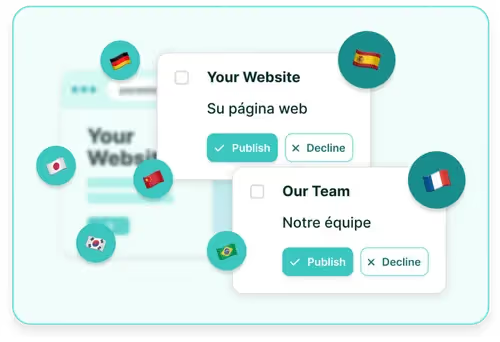
Use AI-assisted translation, human review, or both while reviewers work with the context they need to maintain quality.
Step 4

Launch & Improve

Publish multilingual updates faster, then use workflow visibility, translation assets, and team feedback to improve quality and efficiency over time.

Giving Every Team The Visibility They Need to Move Faster

Localization often spans marketing, product, support, engineering, and operations. Localize helps teams coordinate work, manage approvals, and keep multilingual content moving without losing control.
Review and Approval Workflows
In-Context Editing
Access Management

AI-Powered Workflows with
Built-In Human Expertise

Localize brings AI-generated translation and human review into a single workflow, enabling teams to move faster while maintaining oversight. Use LLM-powered translation to create first-pass translations, then review content in context where accuracy, tone, brand, or market nuance matter most.

• Accelerate first-pass translation with market-leading LLMs
• Enhance review quality with visual context
• Intelligently collaborate with human reviewers in the workflow
• Improve quality with visibility and control

Integrates with the Tools
Your Team Already Uses

Localize supports modern website and content workflows through integrations with platforms such as WordPress, Webflow, Contentful, Drupal, Zendesk, and ReadMe. Plus support for headless CMS environments, React-based web apps, and custom JavaScript implementations.
  • CMS and website platforms: WordPress, Webflow, Drupal
  • Headless CMS workflows: Contentful and other structured content environments
  • Web app frameworks: React-based apps and custom JavaScript implementations
  • Help center and support content: Zendesk and related knowledge base workflows
  • Documentation sites: ReadMe and developer documentation experiences

Outcomes that matter beyond translation alone

Keep Up With Constant Content Changes
Stop Pulling Developers Into Every Update
Review Translations Where They Actually Live
Make Localization Easier for Every Team to Own

See how teams build momentum with Localize

Customers use Localize to reduce operational friction, improve launch speed, and
create better multilingual experiences without overloading internal teams.
50% reduction in cycle times

Reduced localization cycle times by 50%+ and now keeps multilingual content continuously up to date without publishing delays.

expanded support

Expanded support to 150+ languages and continues to scale multilingual experiences with reduced implementation time.

+100% Engagement increase

Increased engagement by 100% in localized regions and can now launch additional languages faster with a scalable localization workflow.

Q & A

Frequently Asked Questions

Learn more about our localizaiton tool.

What Is a Localization Tool?

A localization tool, such as Localize, is a software solution designed to adapt content from its original language and cultural context to different languages and locales. This process involves translating text and adjusting various elements to suit the target audience’s cultural norms, spellings and preferences, based on their locations. Localize automates this complex process to make it easier for businesses to deliver a consistent and culturally appropriate experience across multiple regions.

Why Is Localization Important for My Website, App, or Documents?

Localization is crucial for websites, apps, and documents because it allows you to connect with users in their native language, using their own phrases and spellings based on their location (e.g. US English vs. UK English)and enhance their experience and engagement. Using a tool like Localize ensures that your content is culturally relevant and accessible, which can significantly increase user satisfaction, market penetration, and conversion rates. Without proper localization management, you risk alienating potential users and losing out on global growth opportunities.

How Does a Localization Tool Ensure Translation Accuracy?

Localization tools like Localize ensure translation accuracy through a combination of automated AI translations and human oversight. Localize employs advanced AI-powered translation engines to quickly generate translations, which can then be reviewed and edited for cultural and contextual accuracy. This hybrid approach ensures that translations are not only accurate but also resonate well with the target audience.

What Types of Files and Formats Are Supported by Localization Tools?

Localize eliminates the need for file-based translations because it’s a no-code translation solution that integrates directly into websites, web apps and mobile apps using JavaScript to automatically detect and translate any content. Localize works with various technology stacks and platforms, ensuring that whatever the format, the content can be effectively localized to meet the specific requirements of different markets.

Can Translation and Localization Tools Be Used for Audio and Video Content?

Yes, localization tools like Localize can be used for audio and video content. While the primary focus is often on text, our advanced localization platform also offers capabilities for subtitling, dubbing, and translating scripts for audio and video files. This allows you to provide a fully localized multimedia experience, making your content accessible and engaging to a global audience.

Talk through your localization goals
with a Localize advisor

We’ll help you assess your current process, understand workflow and technical fit considerations, and identify the right next step for your team.