In this blog post, we compare 8 of the best localization tools on the market based on price, features, and customer reviews.
Choosing the Right TMS
Before we begin, here are the 4 questions you should ask yourself:
- How quickly can you get started?
- Does the translation management system integrate with my tech stack?
- How easy is it to collaborate with teammates?
- Is the pricing affordable and scalable for my business?
Comparing 8 Popular Localization Platforms
Here are some of the top translation management systems on the market.
Localize
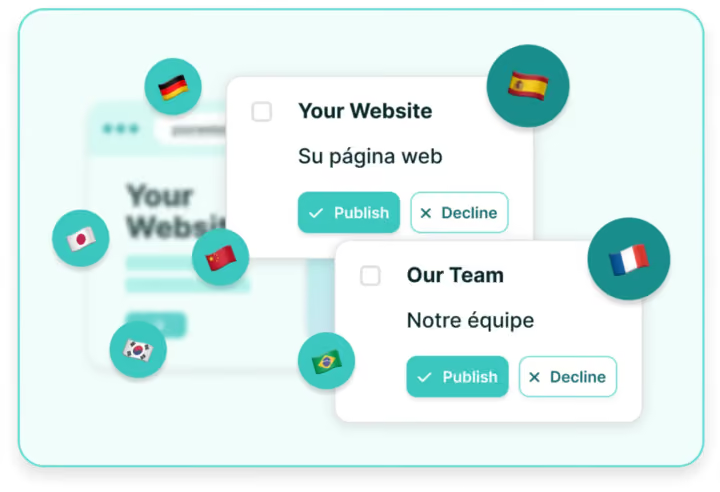
Localize is an enterprise-grade localization platform designed to make websites and apps multilingual with minimal developer effort. It offers machine translation, translation memory, and an on-page editor so teams can see how content appears live.
Localize integrates with 40+ systems, including CMS and marketing platforms, without locking key integrations behind higher-cost tiers. It’s used across industries like healthcare, finance, and government, with a focus on quick setup, flexible workflows, and best-in-class support for both small teams and enterprises.
Of all the platforms on the market, Localize is built to handle a wider range of use cases – websites, documents, emails, mobile apps–you name it.
The Pros and Cons of Localize
Pros:
- G2 reviewers say it’s the easiest to use translation tool on the market
- Robust integrations with any tech stack, compatible with all plans
- Top-of-the-line AI and machine learning tools to speed up translation and cut costs
- Trusted by global companies like Cisco, Discord, and Proofpoint
- Very simple to install and configure with little to no developer resources
Cons:
- Not as strong in gaming
- Basic plans only include email support.
User rating: 4.5/5 stars
Lokalise

Lokalise is a file-based translation management system focused on software and digital product localization. It supports collaborative workflows for developers, translators, and designers, with tools like on-page editing, translation memory, glossaries, and quality checks.
Lokalise integrates with tools such as Figma, GitHub, and popular CMS platforms, helping teams keep content consistent across apps, websites, and mobile products. With role-based access and automation options, it’s designed to scale from small teams to enterprises.
Read the full Localize vs. Lokalise comparison
Lokalize Pricing
Lokalize’s small business pricing starts at $144 per month. Enterprise pricing is estimated at $4,200+ per month.
The Pros and Cons of Lokalise
Pros:
- Automated translation features
- Serves customers ranging from startups to Fortune 500 companies
Cons:
- Uses file‑based transfers that are semi‑automated through Lokalise’s API
- Some integrations are gated behind paid subscriptions
- May demand more ongoing maintenance and coordination from development teams
User rating: 4.7/5 stars
Phrase

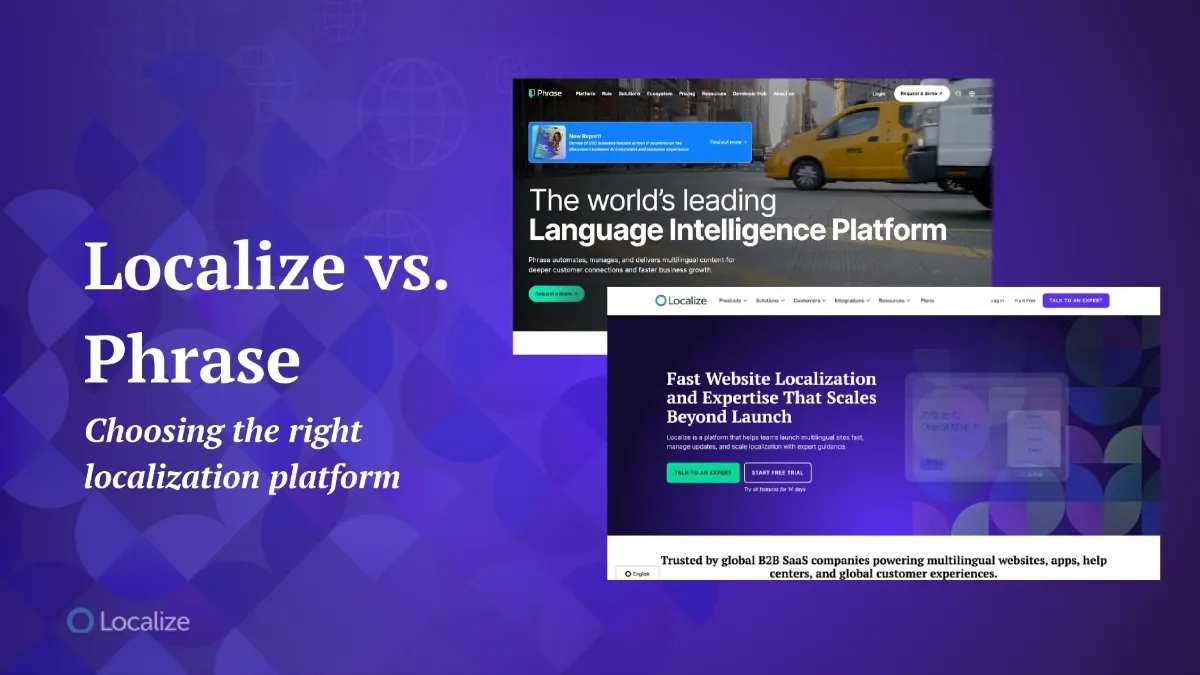
Phrase is a cloud-based localization platform that brings together translation management, software string handling, and AI-powered automation. It includes a TMS for managing multilingual content, Phrase Strings for software copy, and Phrase Studio for multimedia localization.
Teams can use translation memories, glossaries, and multiple MT engines alongside workflow automation and quality checks. With 50+ integrations, Phrase supports both in-house teams and language service providers who need centralized, scalable localization.
Read the full Localize vs. Phrase comparison
Phrase Pricing
Phrase’s pricing for team accounts starts at $1245 per month, billed annually. For individuals or small projects, the basic plan is an affordable $27 per month.
The Pros and Cons of Phrase
Pros:
- 14-day free trial
- Unlimited user seats
- Suitable for enterprises and large translation projects
Cons:
- Requires traditional file-based translation workflows
- Can be pricey compared to other translation tools
- Unclear task management processes make it difficult to understand the status of translations
- Potential slow loading and complexity for more advanced features
User rating: 4.5/5 stars
Weglot
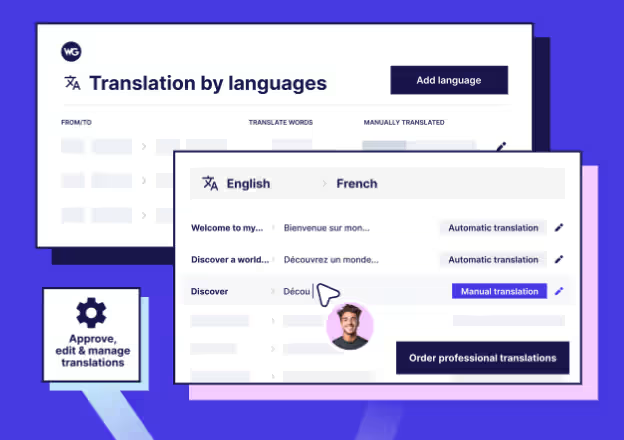
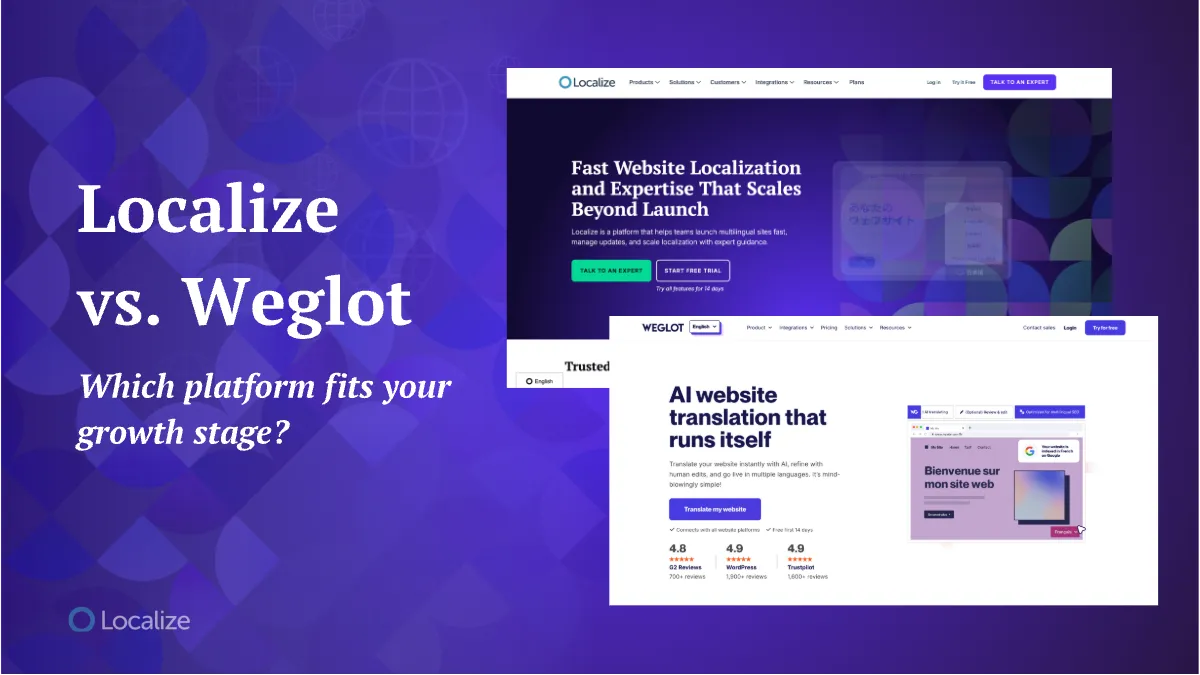
Weglot is a website translation solution that connects to any CMS or tech stack to help make sites multilingual. It’s ideal for small businesses that need to localize websites.
It delivers AI translations via DeepL, Google, Microsoft, and custom AI. Weglot also supports visual editing, translation management, team collaboration, glossaries, and professional translations.
Read the full Localize vs. Weglot comparison
Weglot Pricing

Weglot’s pricing starts at €15, with prices scaling up for additional features, languages, and word count.
The Pros and Cons of Weglot
Pros:
- Ideal for small to medium-sized businesses
- High marks for ease of use and impressive smoothness “out of the box”
- Native integrations with platforms like WordPress, Shopify, and Webflow
- Great option for translating websites without a lot of complexity
Cons:
- Free trial limited to one language and 2,000 words
- A few reviewers critique the platform’s setup process and steep prices
- Proxy-based servers may cause longer load times and performance issues
User rating: 4.7/5 stars
Crowdin
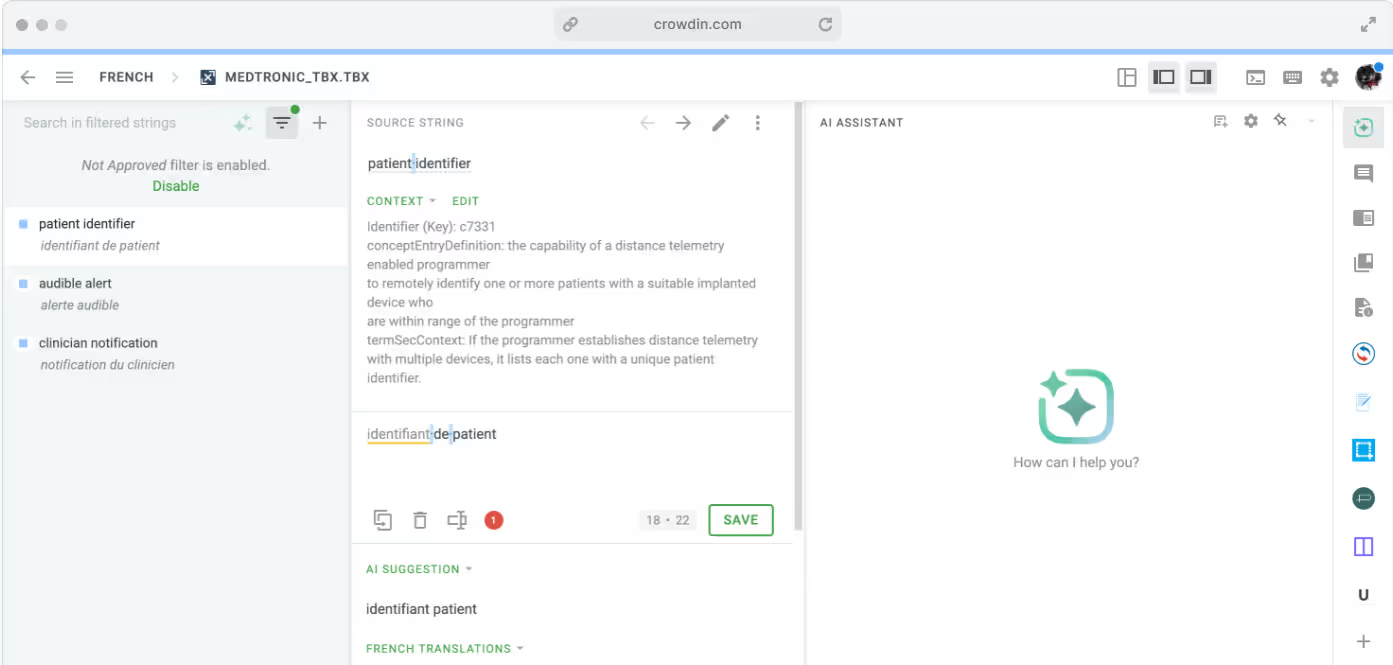
Crowdin is a localization platform enhanced by AI to make websites, apps, games, and other software multilingual. This solution is often adopted by agile development teams since it’s compatible with CI/CD. Used to translate games like Minecraft and websites like Kickstarter, this tool is highly rated for its reliable internationalization.
Crowdin Pricing

The platform offers both a free and paid version, starting at $59.00 per month.
The Pros and Cons of Crowdin
Pros:
- Generous free trial of 30 days for Enterprise plans
- User-friendly interface, even for non-technical team members
- Helpful collaboration tools and integrations for developers
- Automatic content sync via 700+ apps and integrations
Cons:
- Strict limits on integrations: you can only use 2 per month
- Some potential issues with navigation and usability for complex tasks
User rating: 4.5/5 stars
Smartling
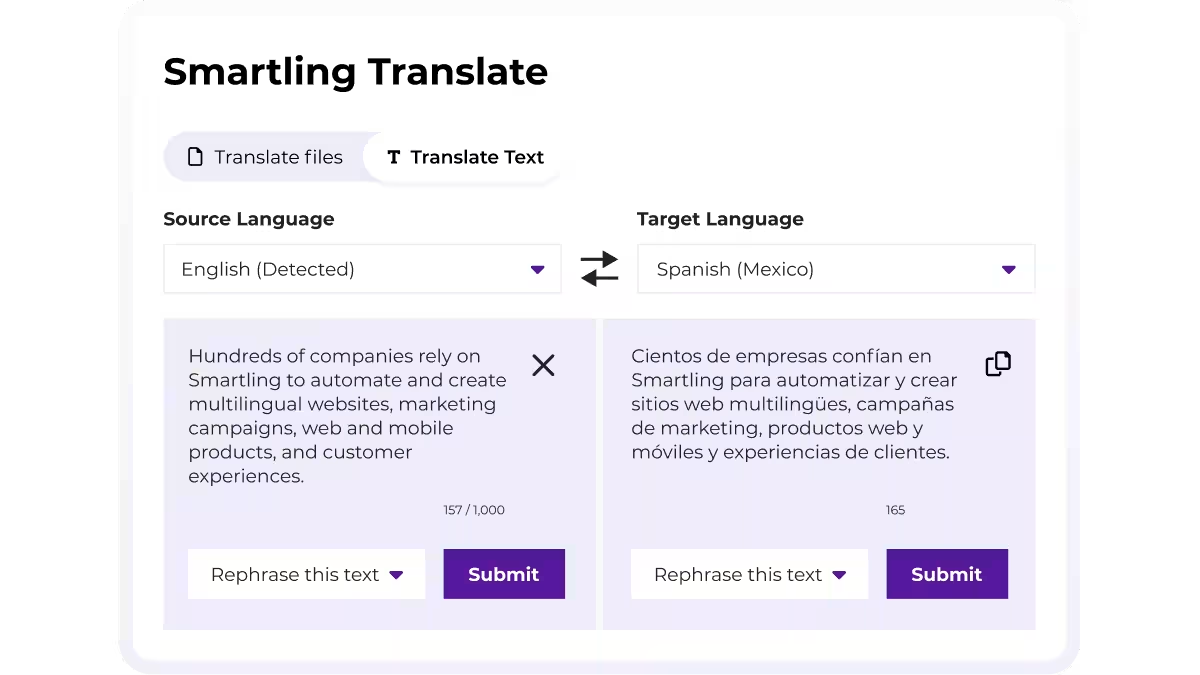
Smartling is an enterprise-focused translation management system that combines a cloud-based TMS with a translation delivery network. It emphasizes visual context, showing translations in the product interface to improve accuracy.
Collaboration features like issue tracking, glossary, and translation memory help translators and reviewers stay aligned. Smartling also supports automated workflows, QA checks, and integrations with development, design, and content tools.
Smartling Pricing
Pricing is not listed publicly. We recommend contacting the Smartling sales team for more information.
The Pros and Cons of Smartling
Pros:
- Intuitive user interface
- Strong AI integrations and enterprise translation management
Cons:
- File exchanges and code modifications are typically required
- Smartling’s complex setup can lead to greater technical involvement
- Unclear pricing structure based on per-word translation fees
User rating: 4.4/5 stars
Transifex
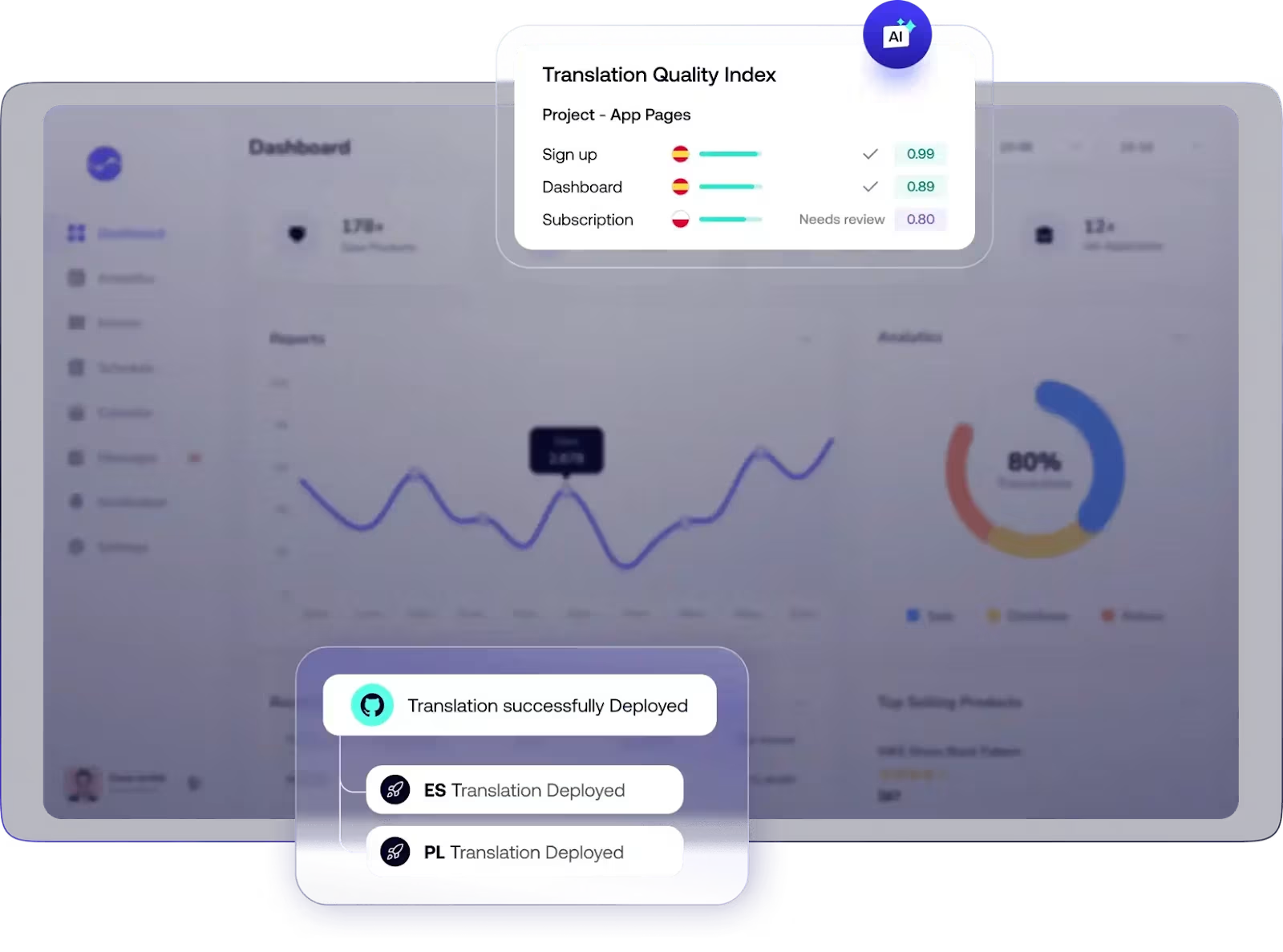
Transifex is a cloud-based localization platform aimed at digital content and software teams. It centralizes translation workflows, supporting a wide range of file formats, APIs, and CI/CD integrations.
Features include translation memory, glossaries, progress tracking, and collaboration tools like comments and role assignments. Transifex is often used for apps, websites, and marketing content where frequent updates are required. Its focus is on streamlining multilingual content management while giving teams visibility and control across projects and languages.
Transifex Pricing
Transifex’s pricing starts at $160 per month, with prices scaling up for growing teams and higher translation volume.
The Pros and Cons of Transifex
Pros:
- Localization workflows are easy to manage once you get started
- Good integrations with support for many different types of files
- Primarily relies on human translation, which can be beneficial for high-impact and legal content
Cons:
- Some reviewers say Transifex is expensive, especially when scaling up
- Steep learning curve to get started, and cluttered site navigation
- May require more development time and resources compared to low-code platforms
User rating: 4.2/5 stars
WPML
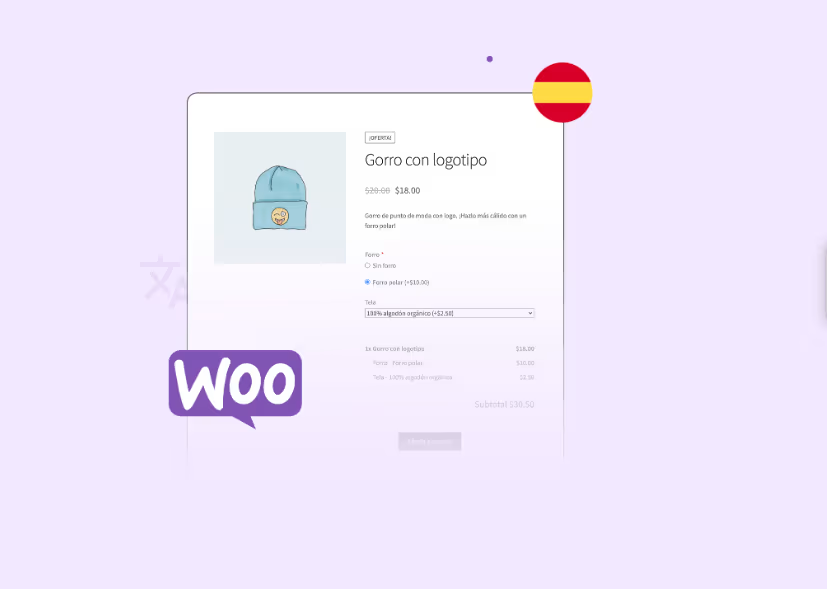
WPML is a popular plugin for building and operating multilingual WordPress sites. It integrates with most WordPress themes and plugins and helps site owners build anything from multilingual blogs to complex e-commerce stores.
Although it’s quick to set up and affordable, some reviewers critique it for its manual, file-based translation processes. WPML may not be a perfect fit for enterprise brands with high-volume translation needs
WPML Pricing
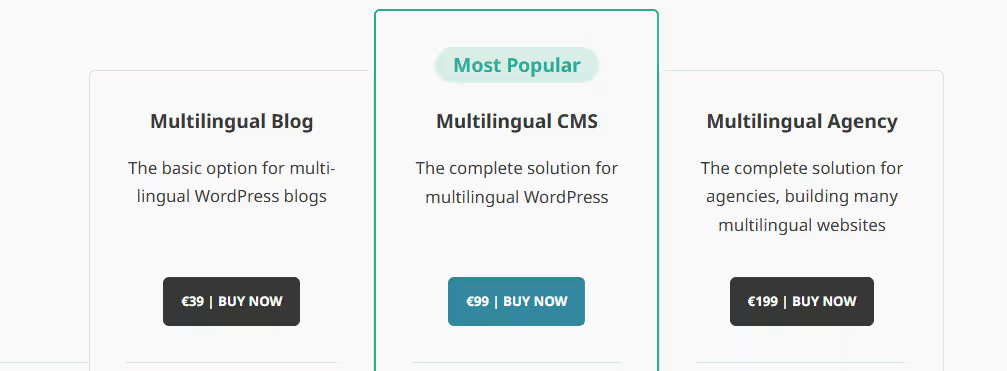
WPML offers three plans: the Multilingual Blog for 39 euros, the Multilingual CMS for 99 euros, and the Multilingual Agency for 199 euros, all billed annually.
The Pros and Cons of WPML
Pros:
- It’s the most popular WordPress translation tool on the market
- Comprehensive translation options in 65 pre-configured languages
- Team roles and permissions for managing users and collaboration
Cons:
- No free trial or demo available
- Past data security issues in WPML
- Manual, file-driven translation process that lacks automation
- Potential plugin conflicts and bugs
User rating: 3.4/5 stars
Choosing the Right Localization Tool
The best way to find a localization tool that fits your business goals is to test a few. Most platforms offer demos or free trials, so take advantage of them. You’ll quickly see which ones feel intuitive and which create friction.
Here are a few things to keep in mind when you’re testing:
- Use the free trial wisely
Don’t just click around. Paste the javascript code into your website, try importing files, testing the integrations, and running real translation tasks. - Check integrations
Ensure the tool is compatible with your CMS and tech stack. Some integrations are locked behind higher-tier pricing, so confirm that upfront. - Think about scale
If you’re translating a large website or app, note how the tool handles bigger projects. Some platforms slow down or get clunky as the content grows. - Weigh setup vs. cost
Lower-priced options are tempting, but they may take longer to implement (in terms of both time and technical resources). Decide how quickly you need translated websites or apps up and running. - Consider your industry
Most TMS tools have a niche. For instance, Localize excels at SaaS translation, while Crowdin is known for game translation. - Match the tool to your project’s stakes
For small, low-risk projects, budget-friendly tools may be fine. But if accuracy and consistency are critical, invest in a more trusted platform. - Factor in seats
Pricing often scales with users. If you have multiple translators, reviewers, and PMs, those costs add up. - Use the free trial wisely
Don’t just click around. Try importing files, testing integrations, and running real translation tasks.
In short: test widely, think about your specific needs, and don’t assume the most budget-friendly tool is automatically the best fit.
Which Localization Tool is Best?
Out of all of the solutions we’ve discussed, Localize stands out as a complete solution for translating websites and apps. With easy no-code setup, it automatically pulls in your content, translates it with top machine translation engines, and displays it without any manual work.
Unlike most tools, Localize goes further by giving your team everything they need to collaborate in one place. Translators, editors, and marketers can review, comment, and refine content together. Post-editing is built right in, so machine translations can be polished by humans or AI quality checks for accuracy and tone.
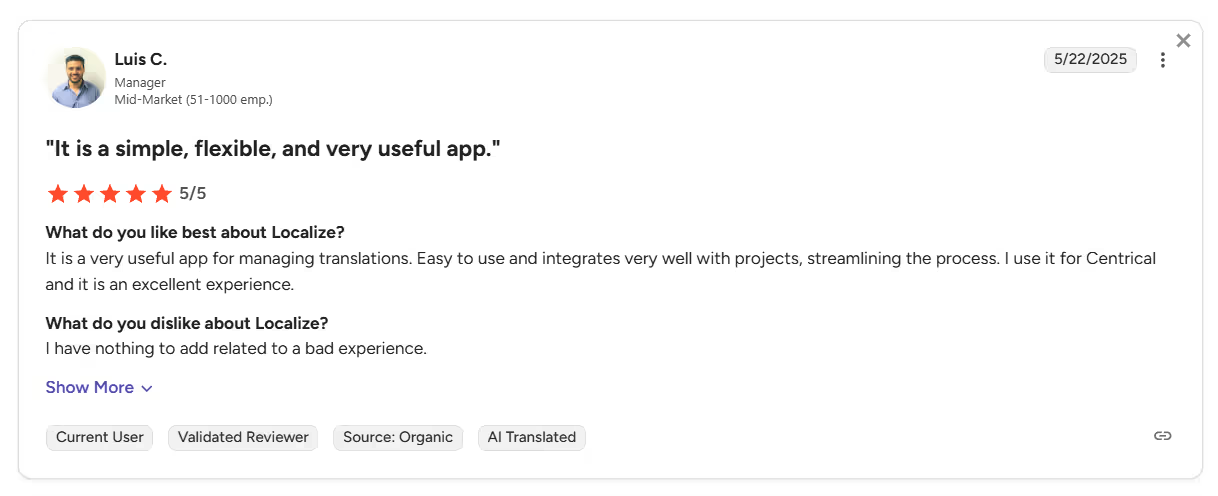
Want to kickstart your localization process? Try a free 15-day trial of Localize. No commitment, no credit card required.
.png)